Menu

Grafana search
Use the command palette to search all of Grafana and to initiate key actions from any page in the application.
Command palette
The command palette allows you to:
- Search for and open dashboards and folders
- Create dashboards and alert rules
- Locate pages within Grafana
- Change the theme to dark or light
- Run Sift investigations
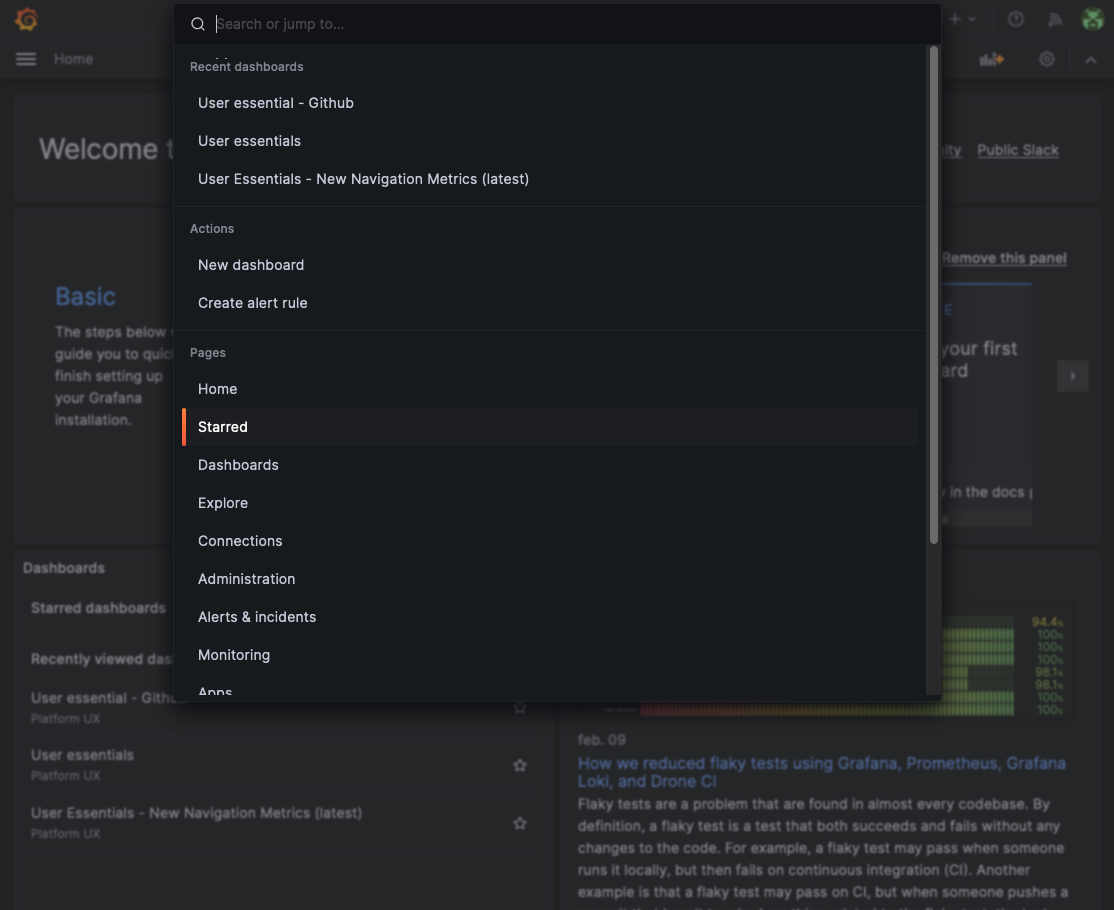
To open the command palette, press cmd+K in macOS or ctrl+k in Linux/Windows. You can also click on the input located in the navigation bar.
Note
To go to the previous step, press
backspacewith the command palette input empty.